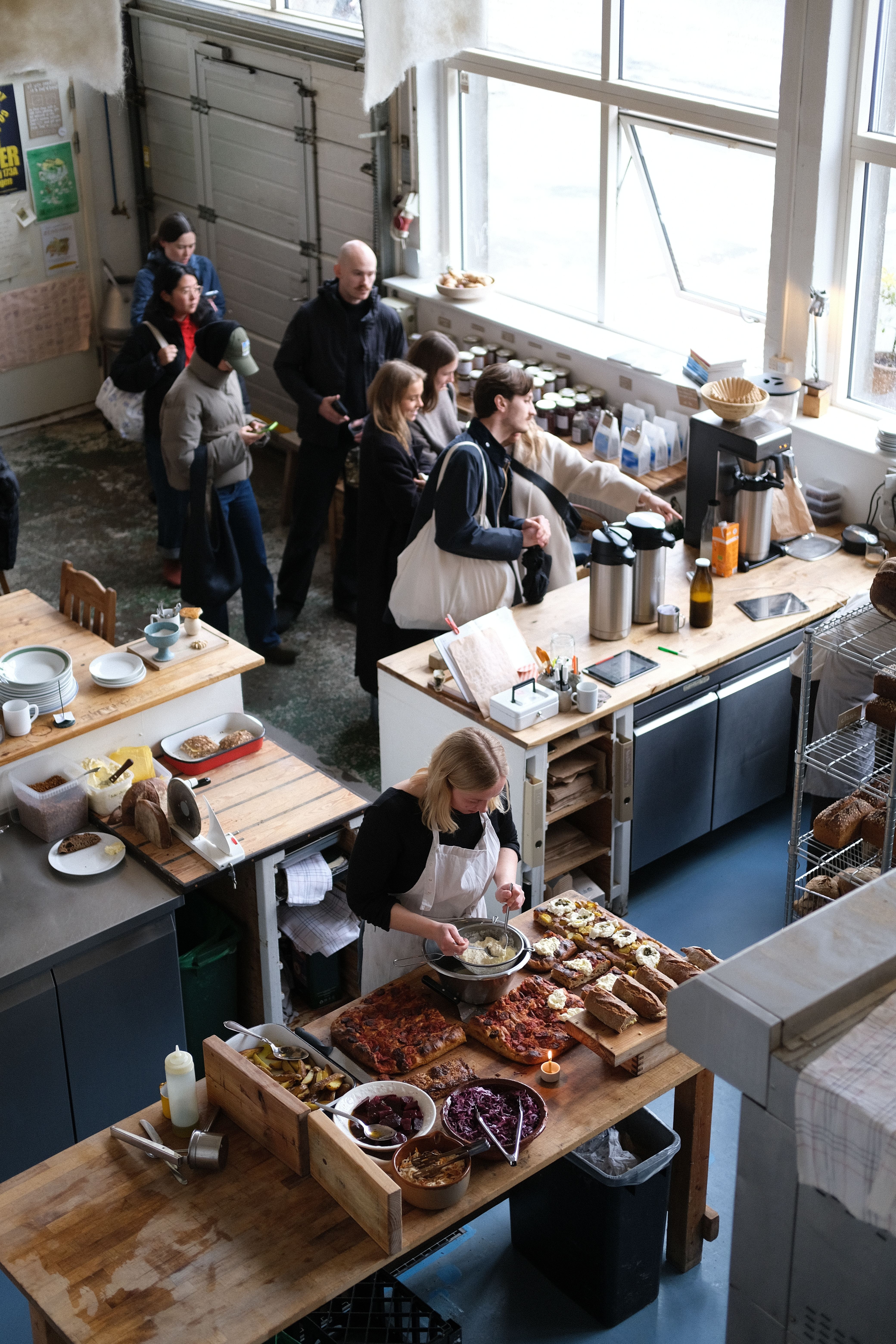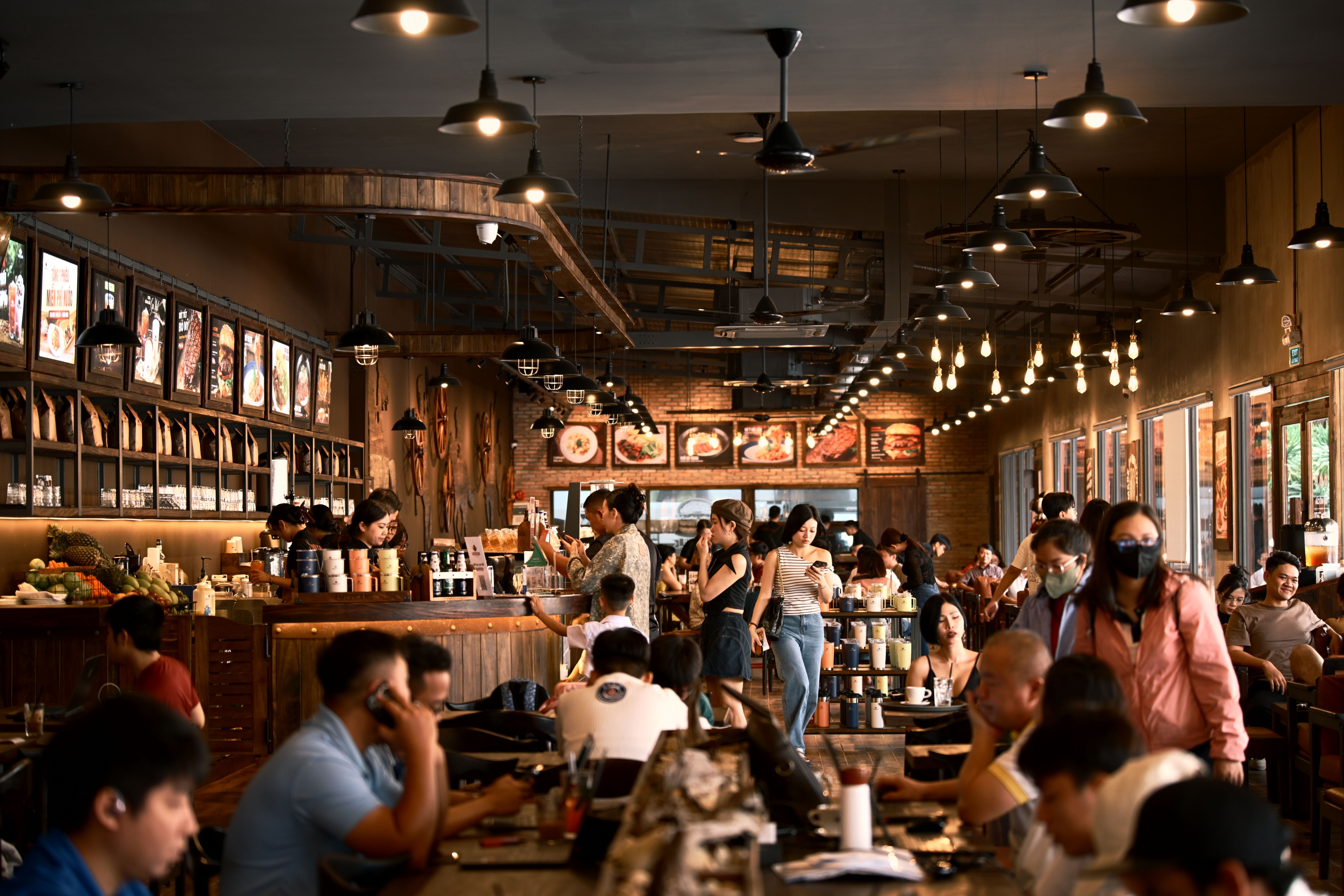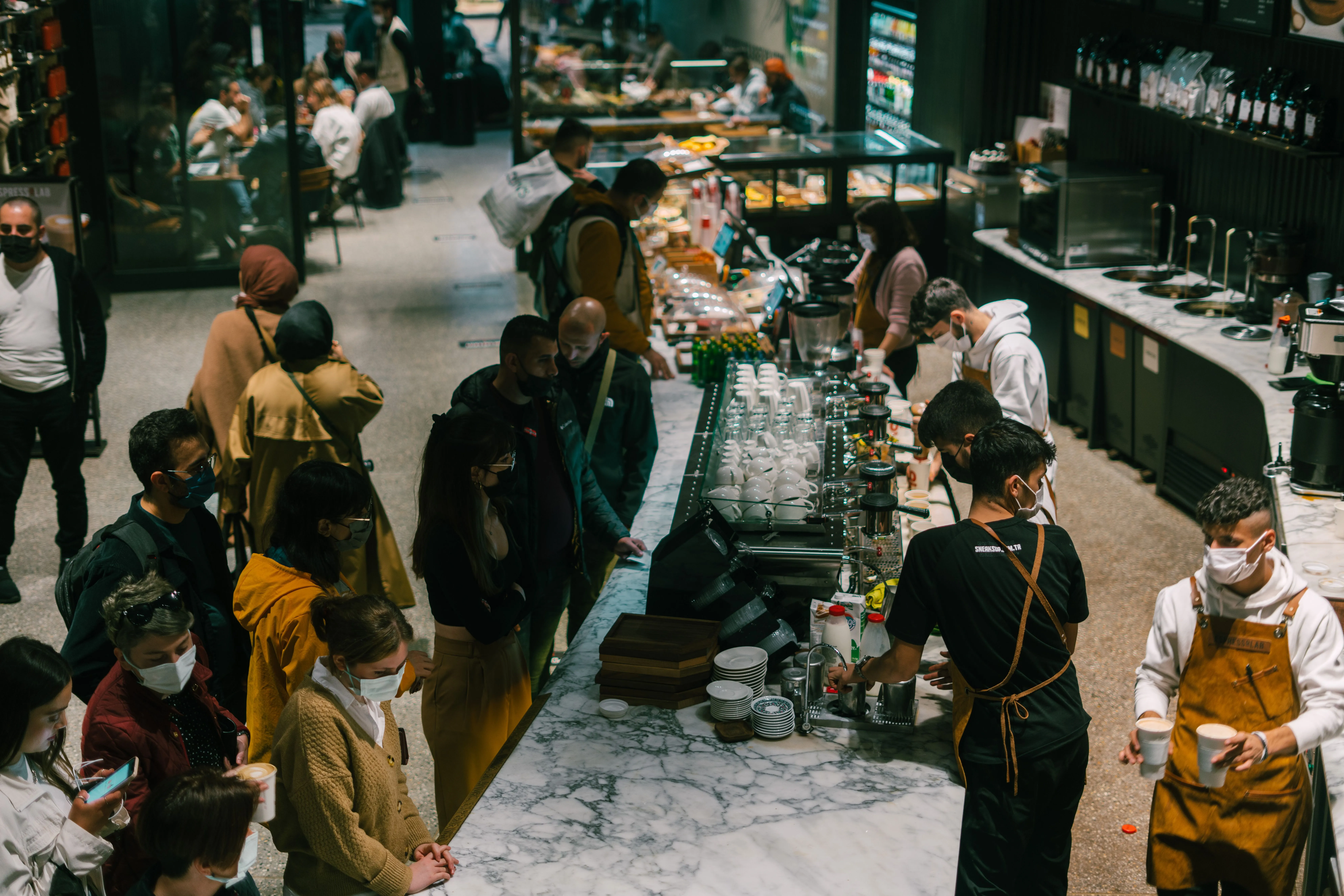
Every hospitality operator knows the feeling: the morning rush hits, the queue backs up to the door, and you watch potential customers glance at the line and walk away. Those lost customers represent real revenue, and the problem compounds during every peak period.
Understanding the Register Bottleneck
Traditional counter-ordering creates a single chokepoint in your venue. Even with the fastest staff, each transaction follows the same sequence: greet, explain menu, take order, process payment, hand over receipt. At 2-3 minutes per customer, a single register can process roughly 20-30 orders per hour.
During peak periods, demand often exceeds this capacity by 50-100%. The result? Queues, walkouts, stressed staff, and lost revenue that you can never recover.
How QR Table Ordering Eliminates the Register Bottleneck
QR ordering fundamentally changes the equation by decentralising the ordering process. Instead of funneling every customer through one register, each table becomes its own ordering terminal.
Here's what changes during a typical rush:
- Guests order on arrival: Instead of queuing, customers scan the table QR code and start browsing immediately, even before they've sat down.
- Parallel ordering: Ten tables can place orders simultaneously, rather than sequentially through a register.
- Faster decisions: Photo-rich digital menus help guests decide quickly. No more "what do you recommend?" conversations holding up the queue.
- Instant payment: Apple Pay and Google Pay mean checkout takes seconds, not minutes.
Real-World Service Blueprint: Peak Hour Flow
To maximize efficiency, redesign your team's roles to capitalize on automated ordering. Instead of forcing staff into the bottleneck of manual entry, allocate your floor staff during a busy weekend morning rush across a streamlined flow:
- Entrance & Greeting: The host welcomes guests, directs them to a table, and references the table QR code for ordering.
- Self-Service Ordering: Guests scan the table QR code, browse, and place their order in seconds.
- Automatic POS Routing: Orders and payments route instantly through Square to the kitchen and bar.
- Preparation & Running: The kitchen prepares the order immediately while floor runners focus entirely on delivering food and clearing tables.
The Host (Greeting & Set up)
- Old Role: Scans the floor, manages the physical paper waitlist, and balances a queue of 20 people at the door.
- New Role: Greets guests, walks them to their table, and highlights the QR code: "Welcome! You can scan this QR code on the table tent to order your coffees and food whenever you're ready, or I can call a server over."
The Floater / Runner (Hospitality & Table Turns)
- Old Role: Tied to the terminal punching in orders or waiting at tables with a notepad, constantly holding up kitchen tickets.
- New Role: Freely moves across the dining room, running food and drinks as soon as they appear at the pass, clearing empty plates immediately, and engaging in genuine conversation. This rapid turnaround increases table turns by 15-20 minutes per table, letting you seat more guests during the rush.
Staff Efficiency Calculations
If you are running a venue with an average wage cost of $32/hour, automating order placement and checkout yields significant savings:
- Average Transaction Time (Manual): 2.5 minutes (greeting, taking order, modifiers, payment processing).
- Orders Processed per day: 150.
- Time Spent on Order Entry: 150 orders x 2.5 mins = 375 minutes (6.25 hours) per day.
- Daily Order Entry Cost: 6.25 hours x $32 = $200 per day.
- Annual Order Entry Cost: $73,000.
By migrating 75% of your orders to QR table ordering, you reclaim 4.68 labor hours per day (worth $54,750 annually). This isn't about firing staff; it's about shifting that labor cost into the kitchen to prepare food faster, or onto the floor to deliver a premium customer experience that builds repeat business.
Practical Steps to Reduce Wait Times
1. Optimise Your QR Code Placement
Place QR codes where guests naturally look: on table tents at eye level, near the entrance for takeaway orders, and at the counter for those who prefer traditional ordering. The goal is to intercept guests before they join the queue.
2. Design Your Digital Menu for Speed
Organise your menu with popular items first. Use high-quality photos (customers order 30% faster when they can see what they're getting). Keep category names intuitive: "Coffee," "Breakfast," "Lunch", rather than clever names that require explanation.
3. Enable Pay-in-Store as an Option
Some guests prefer to pay at the counter. Offering a Pay in Store option means they still benefit from the speed of digital ordering while paying how they're comfortable. Their order still flows directly to the kitchen.
4. Use Real-Time Stock Management
Nothing wastes more time than a customer ordering something you're out of. Real-time inventory sync automatically removes sold-out items from the digital menu, preventing disappointment and avoiding the back-and-forth that slows everything down.
The Impact on Revenue
Reducing wait times isn't just about customer satisfaction. It directly impacts your bottom line. Venues that eliminate the register bottleneck with QR ordering typically report a 15-25% increase in orders processed during peak hours, simply because they've removed the physical constraint of a single ordering point.
When every minute of peak trading is worth real money, eliminating even a 30-second bottleneck per order adds up fast.