Average order value (AOV) is one of the most impactful metrics in hospitality. Even a modest $3-5 increase per order, multiplied across hundreds of daily transactions, adds up to tens of thousands in additional annual revenue, with zero increase in foot traffic.
Why Digital Table Ordering Naturally Increases Average Order Value
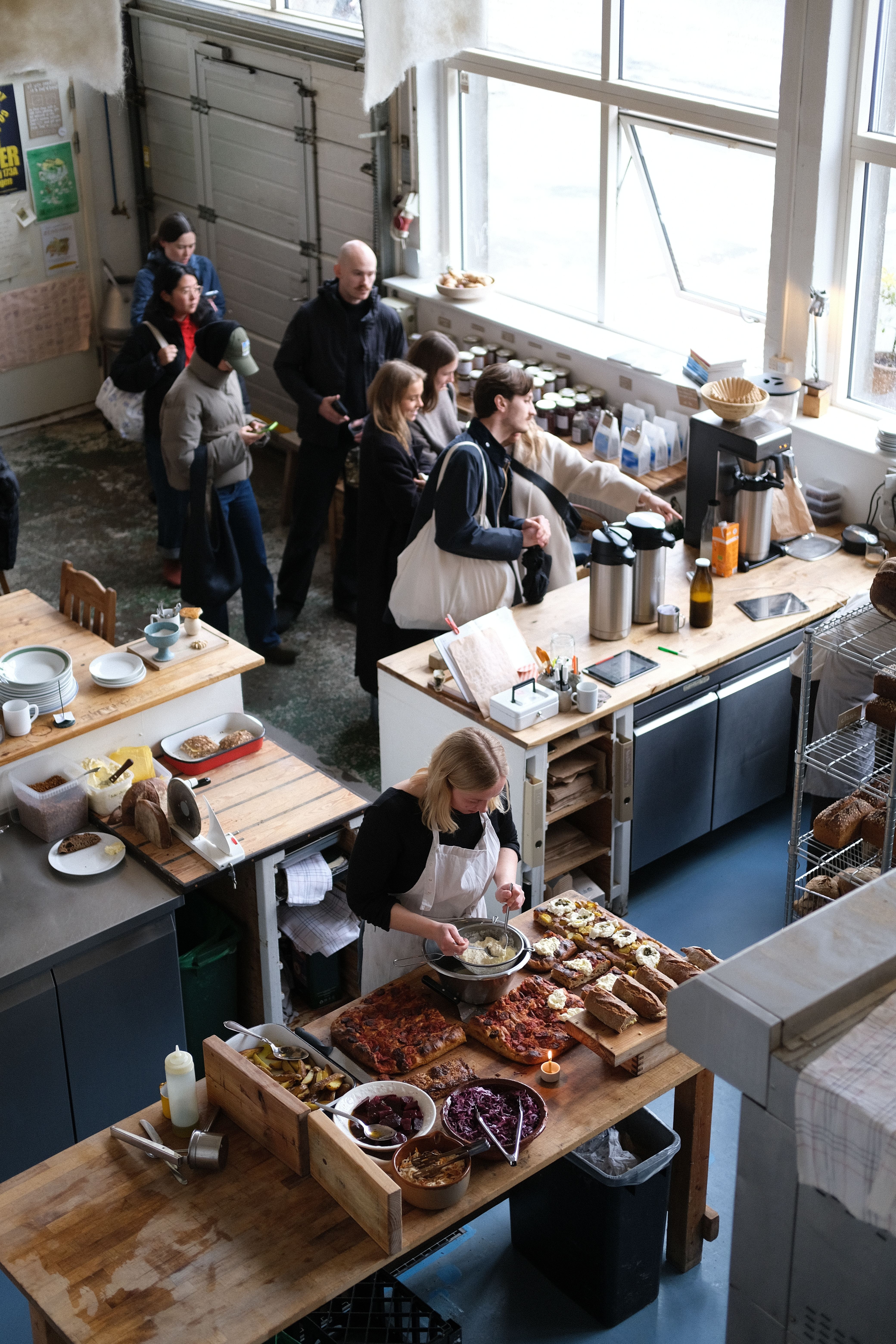
When customers order at a counter, social pressure influences their decisions. They are conscious of the queue behind them, the staff waiting, and the time pressure. These factors lead to faster, simpler orders, which are often just the essentials.
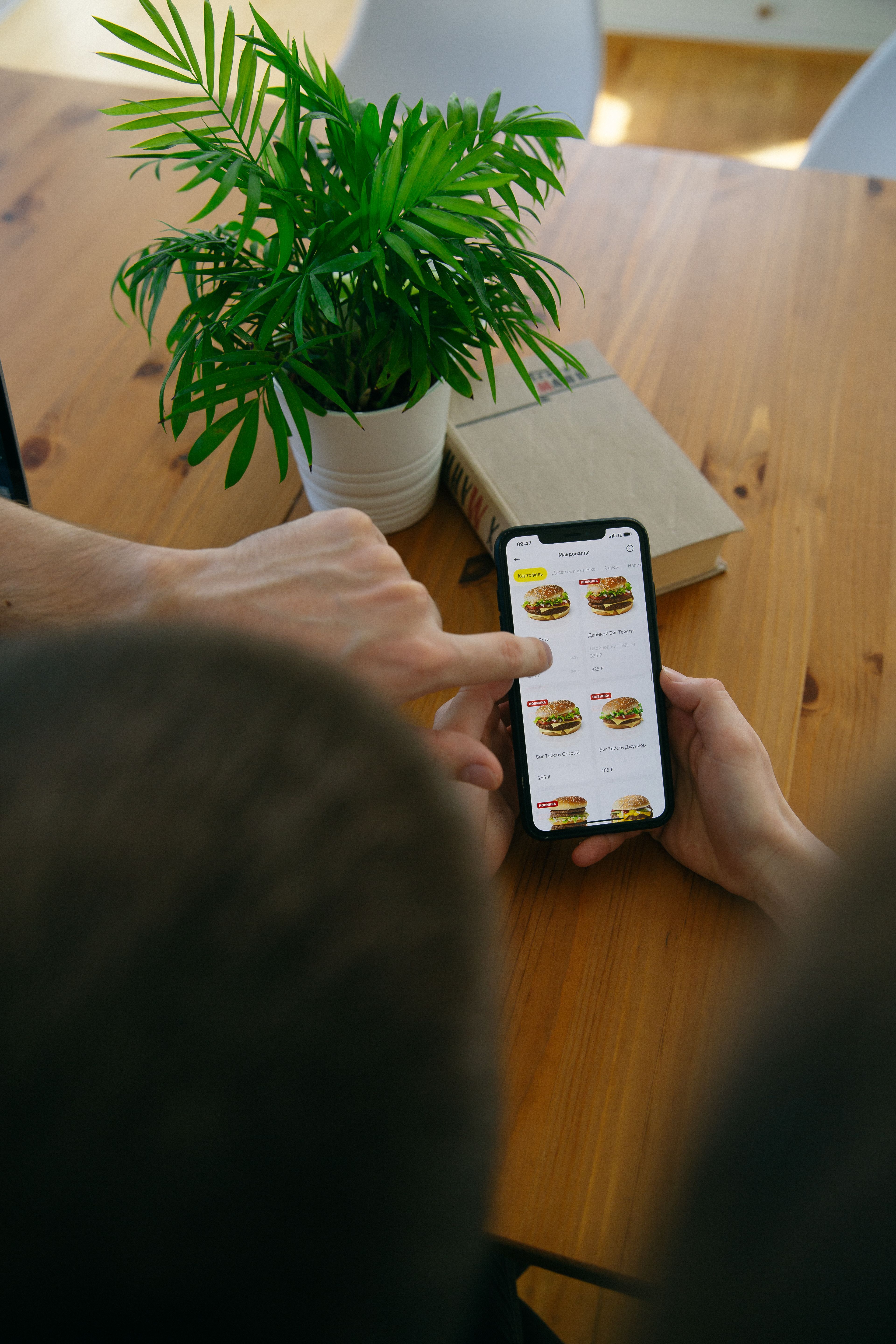
Digital ordering removes this pressure entirely. Guests browse at their own pace, discover items they might have missed, and make decisions based on appealing photos rather than a quick scan of a menu board. The result is consistently larger orders.
Five Proven Strategies to Boost AOV
1. Photo-Rich Menu Design
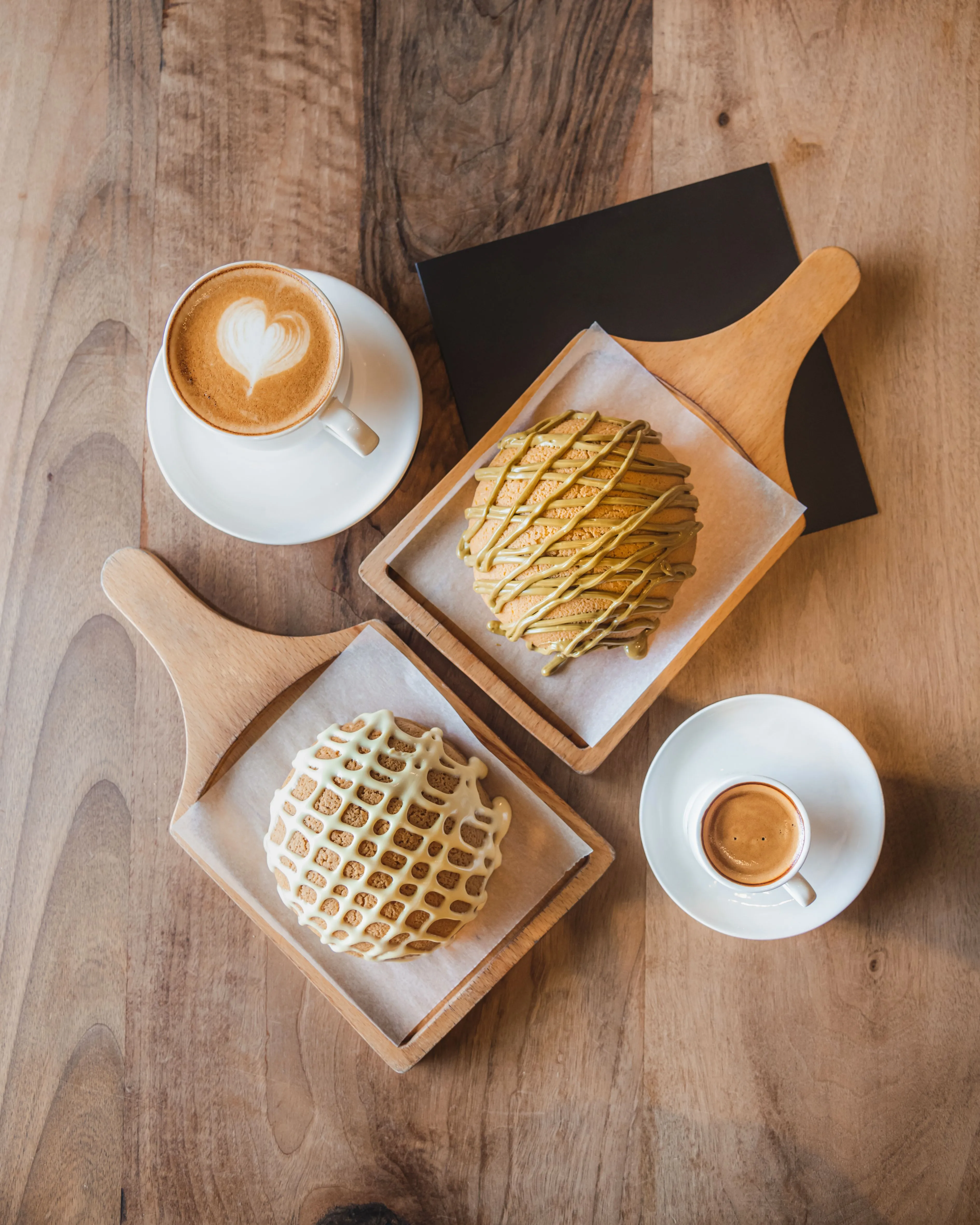
Items with photos sell 30% more than text-only listings. This isn't speculation; it is a consistent finding across thousands of hospitality venues. When a customer can see a beautifully plated dish or a perfectly poured latte, they are far more likely to add it to their order.
Invest in quality photography for your top 20 items at minimum. Use natural lighting, clean backgrounds, and shoot from the angle customers would actually see the food at a table.
2. Strategic Modifier Groups
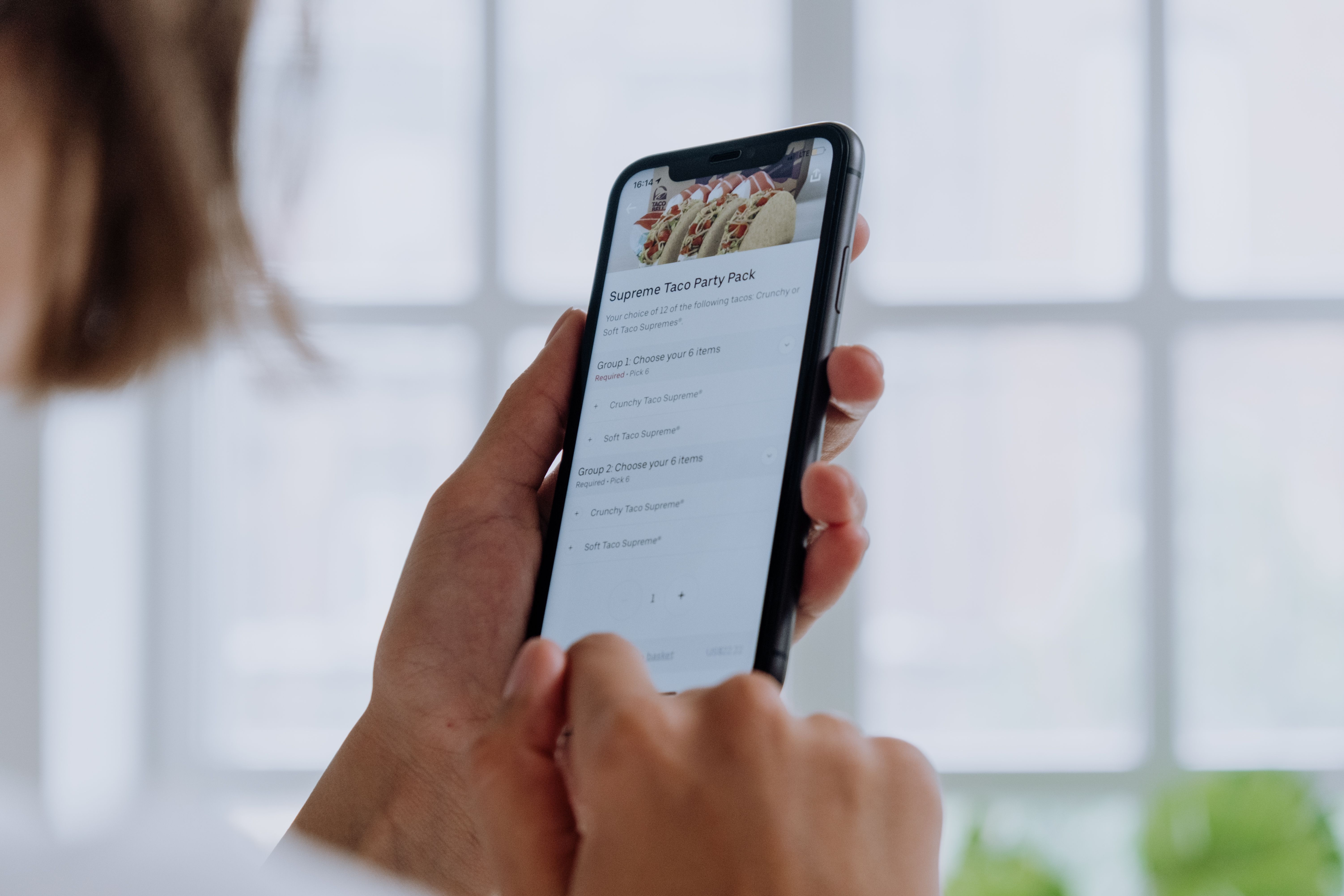
Strategic modifier groups, like "Add extra shot ($1)", "Upgrade to large ($2)", or "Add side of bacon ($4)", are the highest-margin revenue drivers in digital ordering. Present them as checkboxes during item customisation, not as separate menu items.
The psychology is simple: adding $2 to an existing order feels insignificant compared to ordering an entirely new item. Venues using well-structured modifier groups see AOV increases of 15-25%.
3. Checkout Upsells
The moment between "I am done ordering" and "confirm payment" is prime upsell territory. Present 2-3 complementary items: "Add a muffin for $4?", "Try our house-made lemonade for $5?" These upsell suggestions should be contextual. For example, a coffee order should trigger food suggestions rather than another drink.
4. Bundle Suggestions
Create combo deals that appear in-menu: "Coffee + Pastry for $12 (save $3)". These bundles increase perceived value while driving higher total spend. Digital menus make bundles easy to manage and update seasonally.
5. Menu Organisation Psychology
Place your highest-margin items at the top of each category. Use descriptive names that evoke quality: "House-made Sourdough Toast with Cultured Butter" sells better than "Toast". Add brief descriptions that emphasise premium ingredients or preparation methods.
The Anatomy of a High-Converting Digital Menu Item
To put these strategies into action, structure your digital items with a logical hierarchy designed to encourage exploration and customisation:
1. High-Impact Imagery
Place a high-resolution, cropped square or landscape image showing the item in its best light. The image should look fresh, vibrant, and match the actual plating.
2. Descriptive, Sensory Copy
Instead of: "Acai Bowl ($16)", use: "Organic Acai Bowl ($16) - Frozen wild acai berries blended with coconut water, topped with gluten-free almond granola, sliced seasonal strawberries, kiwi, shredded coconut, and a drizzle of organic honey." Sensory words justify your pricing and stimulate the guest's appetite.
3. Required Modifier Groups (The Base choice)
For items that require a selection (e.g., choice of toast, milk choice), place this group first. This ensures the guest interacts with the customisation options immediately.
4. Optional Upsell Checkboxes (High-Margin Additions)
Directly below the required modifiers, list optional high-margin extras:
- Add Avocado ($4.50)
- Add Smoked Salmon ($6.00)
- Add Poached Egg ($3.00) Presenting these as clean checkboxes makes it incredibly easy for a guest to click and add value to their ticket without feeling overwhelmed.
AOV Optimization Checklist
Review these key items monthly in your digital menu editor to identify missed revenue opportunities:
- Top 10 items photographed: Ensure your top 10 best-selling items are complete with high-quality photos.
- Modifier groups attached to all mains: Confirm all main breakfast, lunch, or dinner items have at least 3-4 optional add-ons.
- Beverage sizing options optimized: Set coffee and cold drinks to regular by default, with a clearly visible button to upgrade.
- Contextual cross-selling enabled: Set up at least one checkout cross-sell item for coffee, and one for main meals.
- Allergens clearly tagged: Mark gluten-free, vegan, vegetarian, and nut-free items clearly to assist guest decision-making.
Measuring the Impact
Track your AOV before and after implementing table ordering. Most POS systems can segment this data by order channel (counter vs digital). Expect to see a measurable lift within the first two weeks as guests discover the full breadth of your menu.