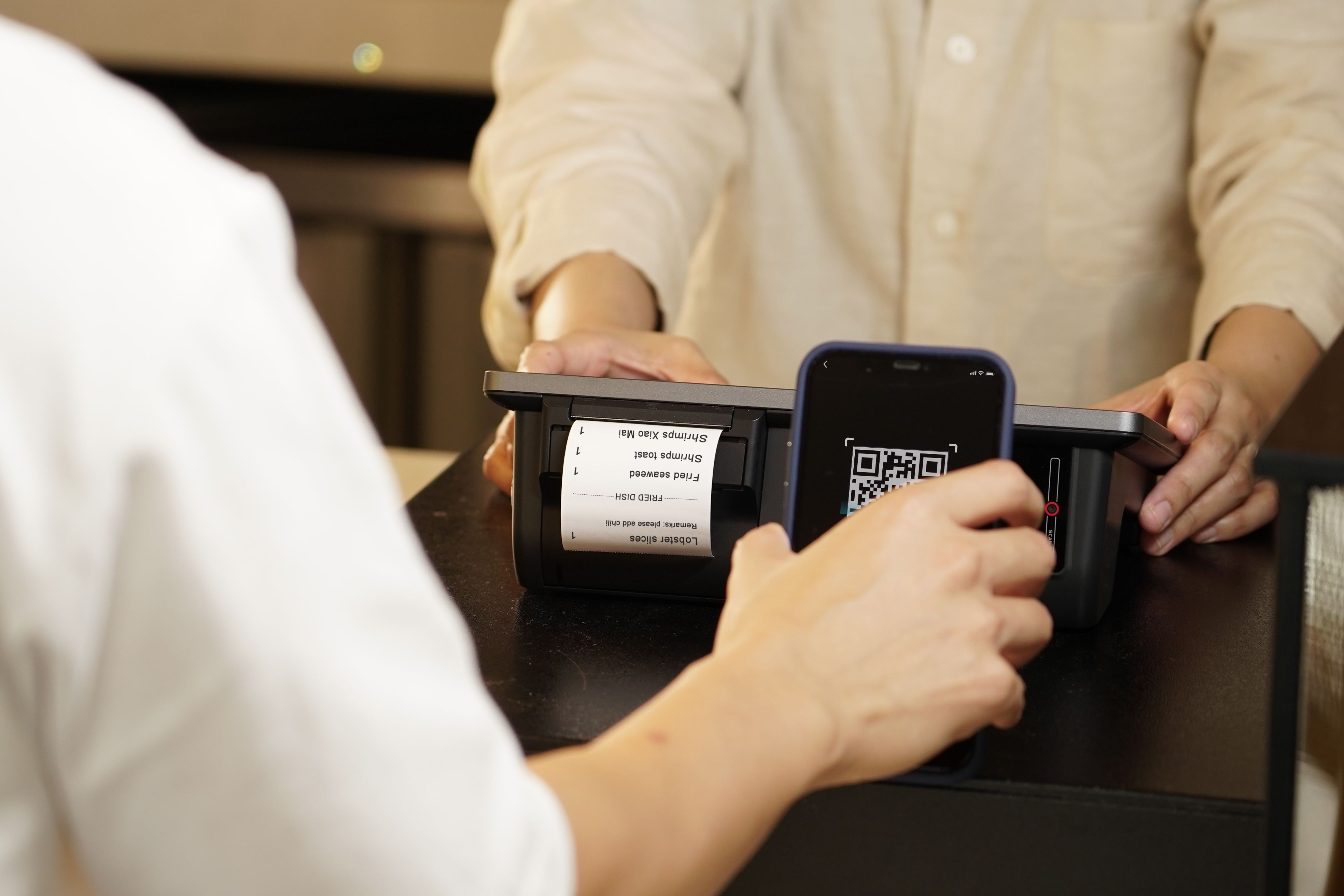
If you've eaten out in the last few years, chances are you've scanned a QR code at your table. QR code table ordering has evolved from a pandemic workaround into a genuine competitive advantage for hospitality venues, and for good reason.
How QR Code Table Ordering Works in Restaurants
The concept is simple but powerful. Each table in your venue has a unique QR code, either on a table tent, embedded in the table surface, or displayed on a stand. When a guest scans the code with their phone camera, it opens your digital menu directly in their browser with no app download required.
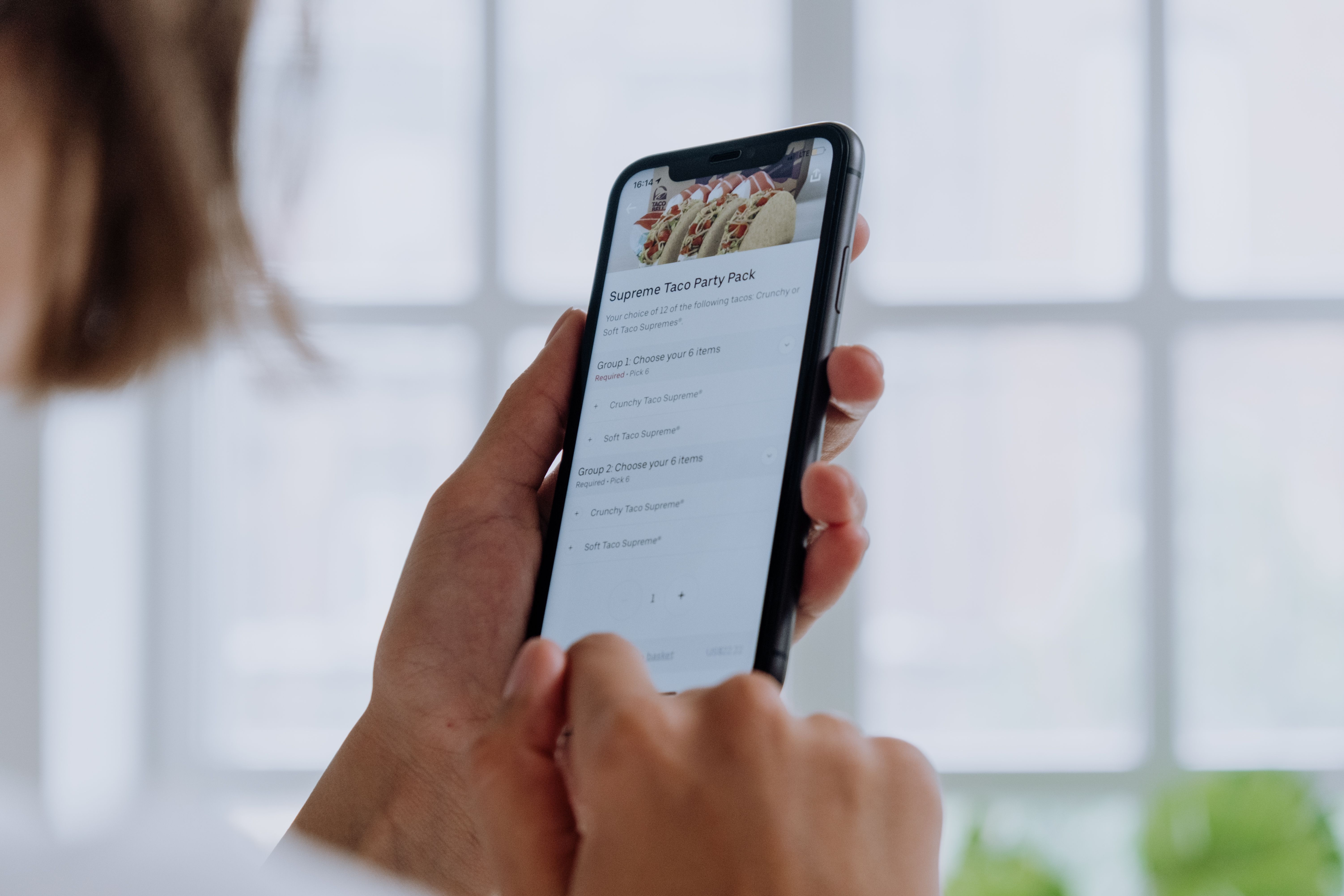
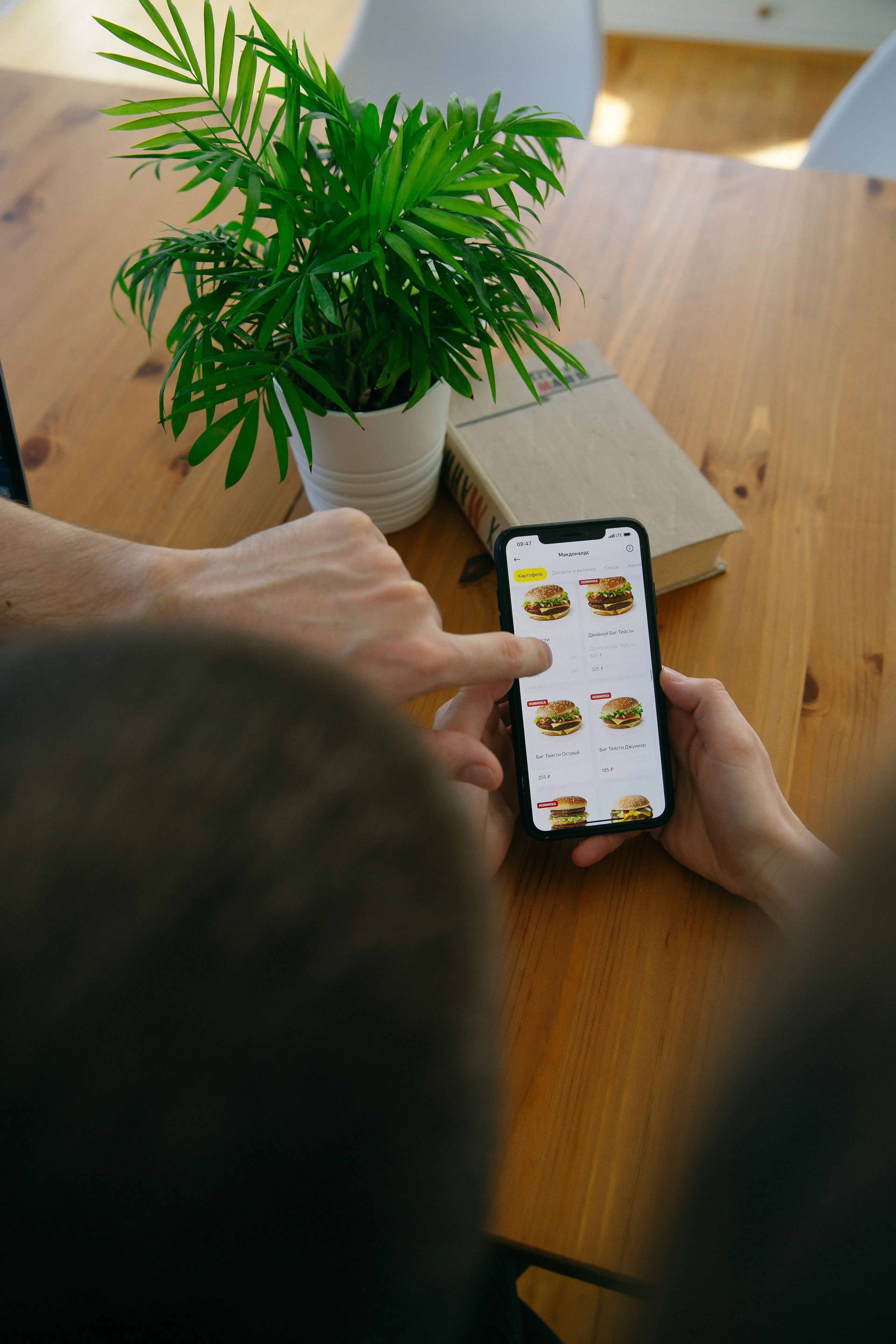
From there, guests can browse your full menu complete with photos, descriptions, and dietary information. They select their items, customise modifiers (like oat milk, extra shots, or sides), and either pay online via Apple Pay, Google Pay, or credit card, or choose to pay at the counter.
The order then syncs directly to your POS system or kitchen display, appearing instantly for your team to prepare. The entire flow, from scanning to kitchen ticket, takes under 60 seconds.
Why Venues Are Adopting QR Ordering
The shift isn't just about technology for technology's sake. Venue operators are solving real operational problems:
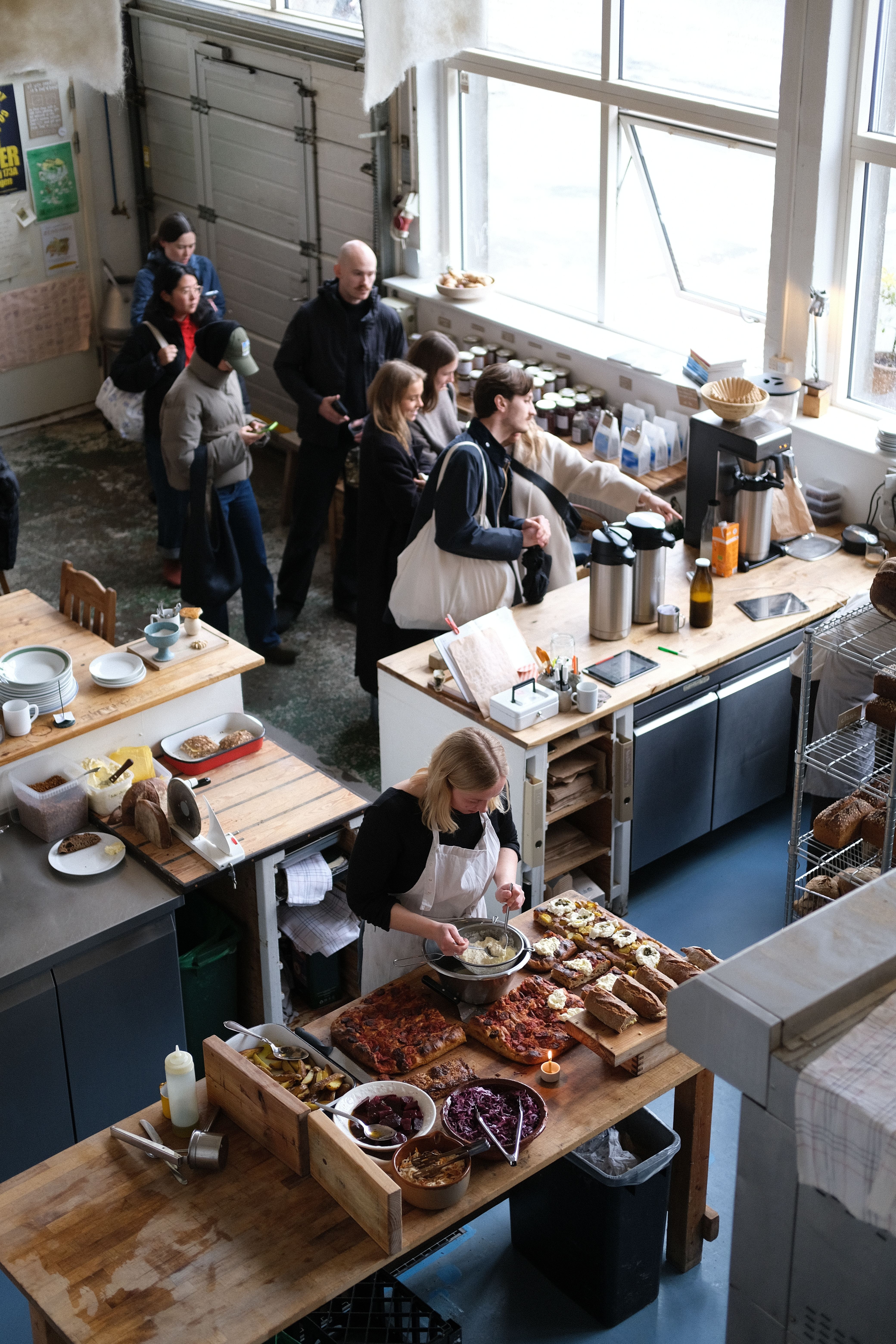
- Eliminating the register bottleneck: During peak hours, a single register creates a queue that costs you customers. QR ordering turns every table into a checkout point.
- Reducing labour pressure: With hospitality facing ongoing staffing challenges, QR ordering lets smaller teams serve more guests without sacrificing service quality.
- Increasing average order value: Digital menus with photos and smart upsell suggestions consistently drive 15-30% higher AOV compared to counter ordering.
- Improving order accuracy: When customers enter their own orders with specific modifiers, kitchen errors drop dramatically.
Overcoming Guest Friction: The 3 Golden Rules
Some operators hesitate to introduce QR ordering because they worry about alienating traditional guests or losing the "personal touch." Success depends entirely on how you present the technology:
1. Position It as a Convenience, Not a Mandate
Never force guests to use the QR code if they prefer ordering at the counter. Instead, frame it as a perk: "Feel free to scan the QR code to order whenever you're ready, or I can take your order at the register if you prefer." Giving guests control reduces friction immediately.
2. Design Signs with Clear Value Calls
Avoid plain "Scan to Order" signs. Use copy that highlights the benefit: "Skip the Queue - Scan & Order in 30 Seconds." This directly solves a customer pain point (waiting in line) and gives them a clear incentive to use their phone.
3. Keep Your FOH Team in the Flow
QR ordering should free your staff up to perform better service, not disappear. Your team should still greet guests, explain specials, run food, clear tables, and check on the meal. The only difference is they don't have to carry a notepad or handle card terminals.
What to Look for in a QR Ordering Platform
Not all QR ordering systems are created equal. Here are the key factors to evaluate:
Pricing Model
Some platforms charge a commission on every order (typically 3-10%), while others use a flat monthly subscription. At scale, commission-based pricing can cost thousands per month. Flat-rate, commission-free platforms let you keep 100% of your revenue.
POS Integration
The best QR ordering systems integrate directly with your existing POS (like Square), so orders appear on your terminal and payments route to your merchant account. Avoid platforms that require proprietary hardware or a separate tablet for incoming orders.
Menu Flexibility
Look for platforms that support photo-rich menus, dietary tags (vegan, gluten-free, dairy-free), modifier groups, dine-in specific pricing, and real-time stock sync. Your digital menu should be at least as capable as your paper menu, and ideally much more.
Guest Experience
The QR menu should load instantly in any mobile browser without requiring an app download. It should feel fast, intuitive, and match your brand. If the experience feels clunky, guests will abandon it and queue at the counter instead.
Table Ordering FAQ
Do guests need to download an app to order?
No. The best table ordering platforms render the digital menu directly in standard mobile web browsers (Safari, Chrome) instantly upon scanning. Requiring an app download is the number one cause of guest drop-offs.
How do we handle splitting bills?
Guests at the same table can scan the same QR code and place separate orders under their own names, paying individually. The POS handles these as separate tickets linked to the same table number, removing the math headache for your waitstaff.
Can guests leave tips through the digital menu?
Yes. You can configure preset tip percentages (e.g., 5%, 10%, 15%, or custom amounts) that appear during the checkout flow. Because digital tipping is frictionless, venues typically report a 20-40% increase in total tips for their staff.
What if my venue has poor mobile reception?
If cellular signal is weak, you can offer a dedicated guest Wi-Fi network. Make the Wi-Fi credentials easily visible on the table stands alongside the QR codes.
Is QR ordering right for your venue?
QR table ordering works best for venues with dine-in service where orders are placed at a counter or by waitstaff. Cafes, restaurants, pubs, bars, and bistros all benefit, particularly those experiencing peak-hour bottlenecks, staffing pressure, or wanting to boost average order values.
If you're running a venue where guests currently queue at a register, QR ordering can fundamentally change how your busiest hours operate, turning chaos into flow.